You have a startup idea. You've been talking about it with friends, maybe even with some early customers. But you still don't have a place to send people when they ask — "bhai, do you have a website?"
That's the moment most Indian founders lose early traction. Not because the idea was bad. But because they were waiting to "build the full product first" before putting anything online.
Here's the truth: you don't need a full product to start. You need a startup landing page — one focused page that explains your idea, builds interest, and collects leads. And in 2026, you can generate a landing page with AI in literally under 60 seconds, then publish it the moment you're ready to go live.
This guide shows you exactly how — step by step, with zero code and zero design experience needed.
1. Why Your Startup Needs a Landing Page Before Everything Else
In the Indian startup ecosystem, speed is everything. Whether you're based in Bengaluru, Hyderabad, Pune, or a tier-2 city — the founders who win are not always the ones with the best product at launch. They're the ones who started talking to real customers first.
A startup landing page does three critical things from day one:
- Validates your idea: If people won't even sign up to hear more, your product needs rethinking — before you spend months building something nobody wants.
- Captures early leads: Every person who drops their email or phone number is a potential paying customer you can talk to.
- Makes you look credible: When you share a proper landing page URL instead of a Google Doc link, people take you seriously.
The Lean Startup methodology — which every serious accelerator in India (Surge, Antler, iSPIRT) recommends — starts with one principle: build something minimal, put it in front of real people, and see what happens. A landing page is the most minimal thing you can build.
2. What Makes a High-Converting Startup Landing Page?
A good startup landing page doesn't need to be fancy. It needs to be clear. Here are the five elements every startup landing page in India must have:
A Headline That Says Exactly What You Do
Not "Disrupting the Future of Commerce." Something real, like: "Fresh organic milk delivered to your door in Jaipur — before 7 AM."
Your headline should answer one question: who is this for, and what problem does it solve?
A Sub-Headline That Adds Context
One sentence that expands on the headline. Think of it as the "and here's why that matters" part.
A Single, Clear Call-to-Action (CTA)
One button. One action. Either "Join the Waitlist," "Get Early Access," or "Sign Up Free." Don't confuse visitors with multiple options on a validation page.
Social Proof — Even If You're Early Stage
You don't need 10,000 users to show proof. Use what you have — "80+ founders already on the waitlist" or "Trusted by 5 Bengaluru-based D2C brands." Small numbers with honest context beat zero proof every single time.
Mobile-First Design
Over 85% of internet users in India browse on their phones. Your startup landing page must look and work perfectly on a mobile screen — not just on a desktop.
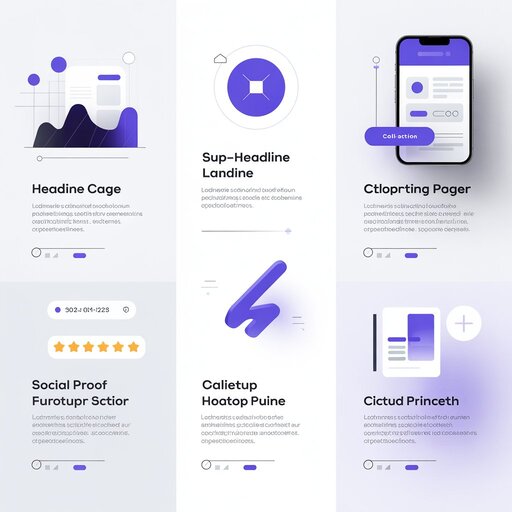 Every high-converting startup landing page has these five elements — nothing more, nothing less.
3. The Old Way vs. The New Way
Let's be honest about what "building a landing page" used to mean for Indian founders.
The Old Way (What Most People Still Do)
- Hire a freelancer on Fiverr or Upwork: ₹5,000–₹25,000 and 5–10 days of back-and-forth messages.
- Try WordPress: 3 hours of plugin fights, hosting setup, and the page still looks like it's from 2017.
- Use Wix: 2–3 hours of dragging and dropping, only to find out the templates feel generic and the free plan puts their ads all over your page.
The result? Most founders either delay their launch for weeks or spend money they don't have on something they'll change three times anyway.
The New Way (What Smart Founders Are Doing in 2026)
Use an AI landing page builder. Describe your startup in plain English, and the AI builds the full page — design, copy, layout — in under a minute.
No code. No designer. No waiting to see the result. This is exactly what MakeOurs was built to do.
4. Step-by-Step: Generate Your Landing Page With MakeOurs
Here's how to go from zero to a designed, mobile-optimized landing page in under 60 seconds — and what it takes to actually publish it.
Step 1: Go to MakeOurs and Start Building
Head to makeours.com and start a new site. No credit card required to generate and preview your page — you only pay when you're ready to publish it live.
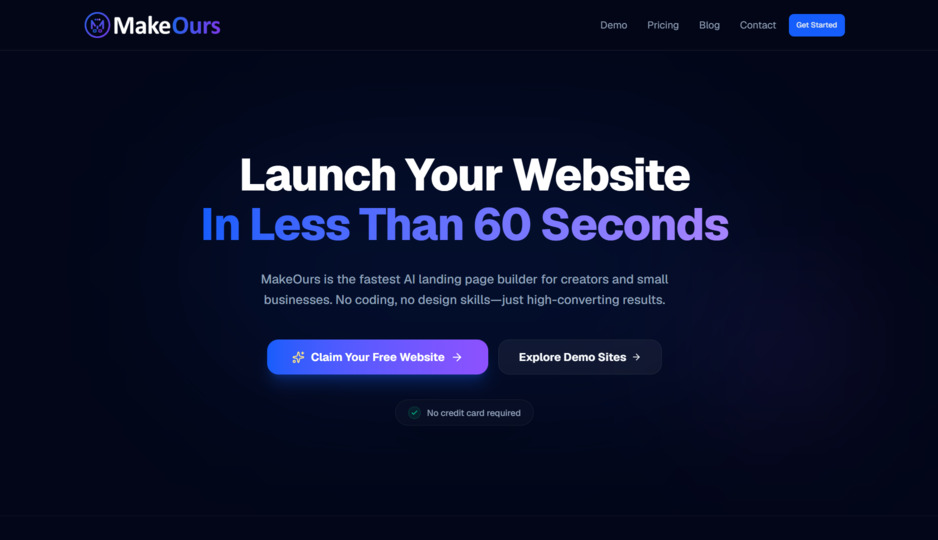 Building and previewing your landing page is free — no credit card, no setup, no confusion.
Step 2: Fill In Your Business Details and Describe Your Startup
The wizard asks for your business name, the goal of the site (lead generation, selling a product, a portfolio, and so on), and a description — this is where you write a few sentences about your startup in plain language.
Here's a real example:
"I'm building a subscription box for regional Indian snacks. My target audience is NRIs and urban millennials. I need a landing page to collect email signups."
There are also optional "extras" you can turn on for real facts you want the AI to use as-is rather than invent — your actual contact details, social links, team, testimonials, and key stats. Fill these in if you have them; leave them off if you don't.
Step 3: Watch the AI Build Your Landing Page
In under a minute, MakeOurs generates a complete startup landing page with:
- A headline and sub-headline written for your specific business
- A designed layout with a color palette and font pairing
- A contact or lead-capture section
- Mobile-responsive design out of the box
- SEO title and meta description already filled in
No blank canvas. No picking templates. Just a ready page that actually makes sense for your startup — one you can preview immediately, before spending anything.
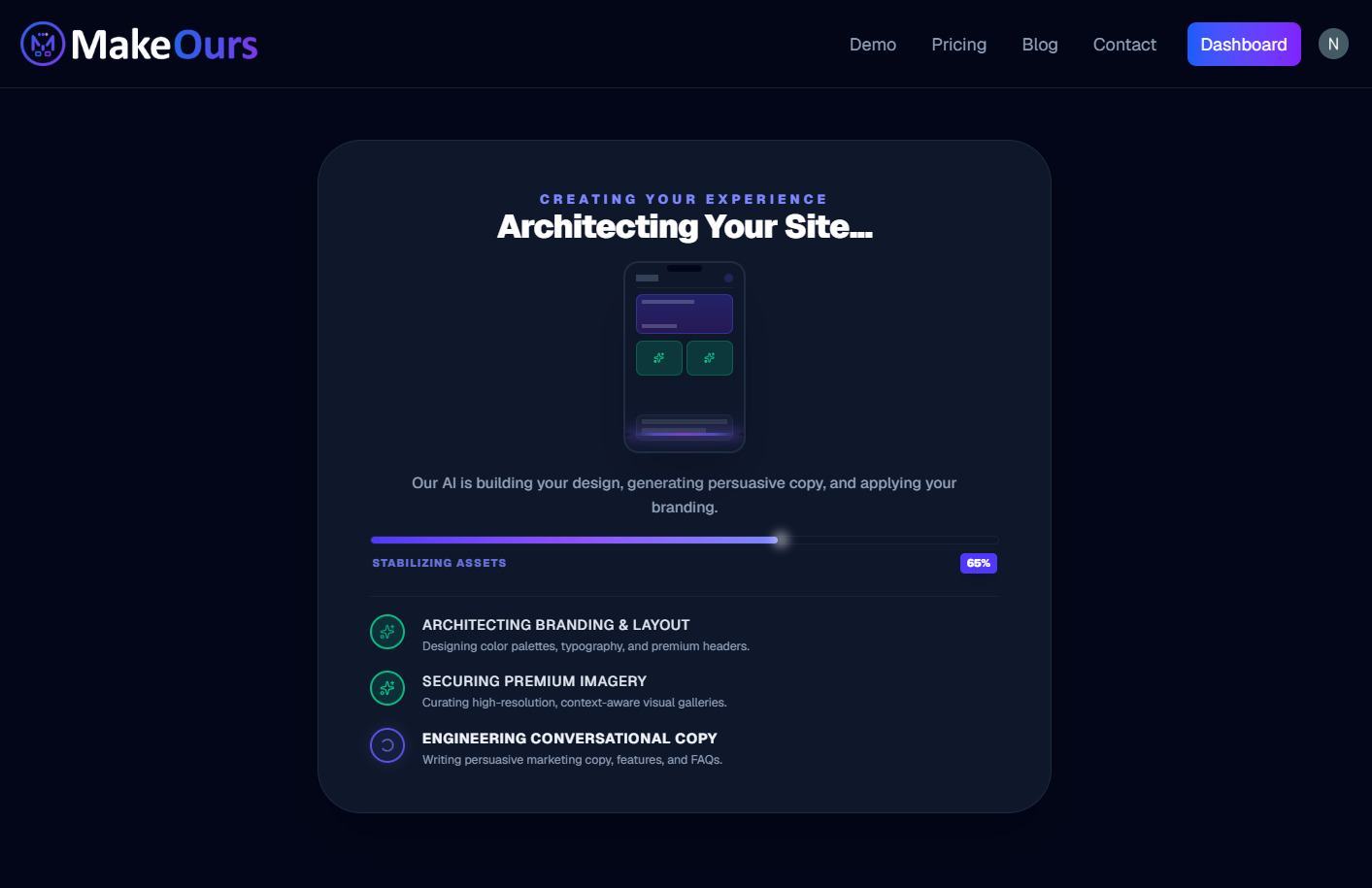 The AI builds your entire page in under a minute — design, copy, layout, and lead-capture section all included.
Step 4: Edit It in the Visual Builder
The AI gives you a strong first draft. Open the builder and spend 10–20 minutes:
- Replacing placeholder copy with your actual messaging
- Uploading your logo or a product photo through the Media Library
- Adding or removing sections — a pricing table, an FAQ, a team section
- Adjusting colors and fonts to match your brand
Step 5: Upgrade and Publish
Once the page looks right, click Publish. If you're still on the free plan, you'll be prompted to upgrade — publishing (going live on your free mours.site subdomain or your own custom domain) is a Pro-plan feature, starting at ₹499/month. This is the one paid step in the whole process, and it's what actually puts your landing page on the public internet.
When you're ready to look even more professional, connect your own .com or .in domain from the same Pro plan.
5. What to Write on Your Startup Landing Page (Copy Tips for Indian Founders)
The hardest part of a landing page is usually not the design — it's knowing what to write. Here's a simple framework that works well for Indian audiences.
Write Like You're Explaining to a Friend at a Chai Tapri
Avoid corporate buzzwords. Write the way you'd explain your startup to a friend in a casual conversation — simple, direct, and honest.
Don't write this: "We leverage AI-driven solutions to optimize the micro-enterprise supply chain ecosystem."
Write this instead: "We help kirana store owners track their stock in real time so they never run out of fast-moving items."
Lead With the Problem, Not the Product
Indian customers are naturally skeptical. If you start with the problem they're experiencing, they immediately feel understood. If you start with your product features, they scroll past.
Start with: "If you're tired of [specific painful thing]..." and then introduce your solution.
Always Use ₹ — Never $
Always show pricing and value in Indian Rupees. Showing "$49/month" to a founder in Nagpur immediately creates unnecessary friction. Showing "₹1,499/month" keeps them reading.
One CTA. Always.
Don't give people four options — a waitlist, a demo, a free trial, and a contact form all on the same page. Pick one action and commit to it. "Join 200+ Founders on the Waitlist" beats just "Sign Up" every single time.
6. How to Get Your First 100 Visitors to Your New Landing Page
Creating the page is step one. Getting the right people to see it is step two. Here's what actually works in India right now, without spending money on ads.
WhatsApp Groups and Broadcast Lists
This is India's most underrated distribution channel. Share your landing page link in relevant WhatsApp groups — founder communities, alumni networks, local business groups, industry-specific groups. A genuine, personal message with context gets far more clicks than any paid ad.
Post on LinkedIn with a Personal Story
Write a short LinkedIn post about the problem you're solving and why you started. End with your landing page link and a clear ask. Indian LinkedIn has grown significantly and founder stories consistently do well here.
Instagram Bio and Stories
If you have a personal brand or business Instagram account, put your landing page URL in your bio. Post a Story with a link sticker saying "Check what we're building" or "Join the waitlist."
Share in Indian Startup Communities
Post in communities like SaaSBoomi Slack, iSPIRT forums, Product Hunt, and Indie Hackers India. These audiences actively support early-stage founders and are much more likely to engage seriously than a random social media follower.
7. Free vs. Paid: What You Actually Get
Here is a clear breakdown of what MakeOurs gives you for free versus what upgrading to Pro unlocks:
| Feature | Free Plan | Pro Plan (₹499/mo) |
|---|---|---|
| AI landing page generation | ✅ Included | ✅ Included |
| Full visual builder access | ✅ Included | ✅ Included |
| Mobile-responsive design | ✅ Included | ✅ Included |
| Preview your page | ✅ Unlimited | ✅ Unlimited |
| Publish your page live | ❌ Not included | ✅ Included |
| Free mours.site subdomain, live | ❌ | ✅ |
| Custom domain (.com, .in) | ❌ | ✅ |
| Remove MakeOurs branding | ❌ | ✅ |
| Analytics on real visitors | ❌ | ✅ |
For a startup in early validation mode, the free plan is enough to build the page and confirm it actually looks right for your business. The moment you want real people landing on it and filling in your form, Pro is what switches it on.
8. Frequently Asked Questions
Q1: Can I build a startup landing page for free on MakeOurs?
Yes. MakeOurs lets you generate and fully edit a landing page for free, with no credit card required. You can preview it as many times as you like. Publishing it live — on a mours.site subdomain or your own domain — requires the Pro plan at ₹499/month.
Q2: Do I need to know how to code?
Not at all. MakeOurs is a fully no-code landing page builder. Everything is handled by AI and a visual editor. You describe your startup, and the page is generated for you.
Q3: Can I collect payments directly on my landing page?
You can paste your Razorpay, Instamojo, or Cashfree payment link into any button on your page. MakeOurs doesn't process payments directly, but it works seamlessly with all major Indian payment providers via a simple link.
Q4: Why can't I publish my landing page without paying?
Publishing is a paid-plan feature on MakeOurs. The free plan is for generating and refining your page — going live requires Pro (₹499/month) or Business (₹999/month), which also unlock a custom domain, analytics, and no MakeOurs branding.
Q5: Can I add a custom domain like mystartup.in?
Yes, on the Pro plan and above. Once upgraded, go to your site's Settings → Domain tab and connect your own domain — see our full guide on connecting a custom domain to MakeOurs.
Q6: What if I want to change the content after publishing?
You can edit your landing page anytime from the visual builder — update copy, swap images, add or remove sections — then click Publish again to push the changes live. No technical knowledge needed at any point.
9. Conclusion: Build First, Pay When You're Ready to Launch
The biggest mistake Indian startup founders make is waiting. Waiting for the product to be perfect. Waiting to afford a designer. Waiting for the "right time."
There is no right time to start building. You can have a startup landing page fully designed and ready to review in under 60 seconds, at zero cost — and only pay the moment you decide it's time to actually go live and start collecting real signups.
That's the point of an AI landing page builder built specifically for founders like you: build now, decide later, launch when you mean it.
Ready to build your startup's first landing page? Start building your free landing page on MakeOurs.
External References & Further Reading:
- The Lean Startup Methodology — Why Validation Comes First
- Google Web Vitals: Why Page Speed Matters for Your Startup
- India Internet and Mobile Penetration Report (TRAI)
Want more tips on growing your online presence? Visit our Blog section.