Our Blog
Insights, tutorials, and success stories to help you build the perfect landing page.
How to Write the Best AI Prompt for Landing Page Design (2026 Guide)
Getting a generic result from MakeOurs? The fix is in your prompt. Here's exactly how to write an AI prompt for landing page design that produces the right page on your very first try — with real examples for Indian businesses.
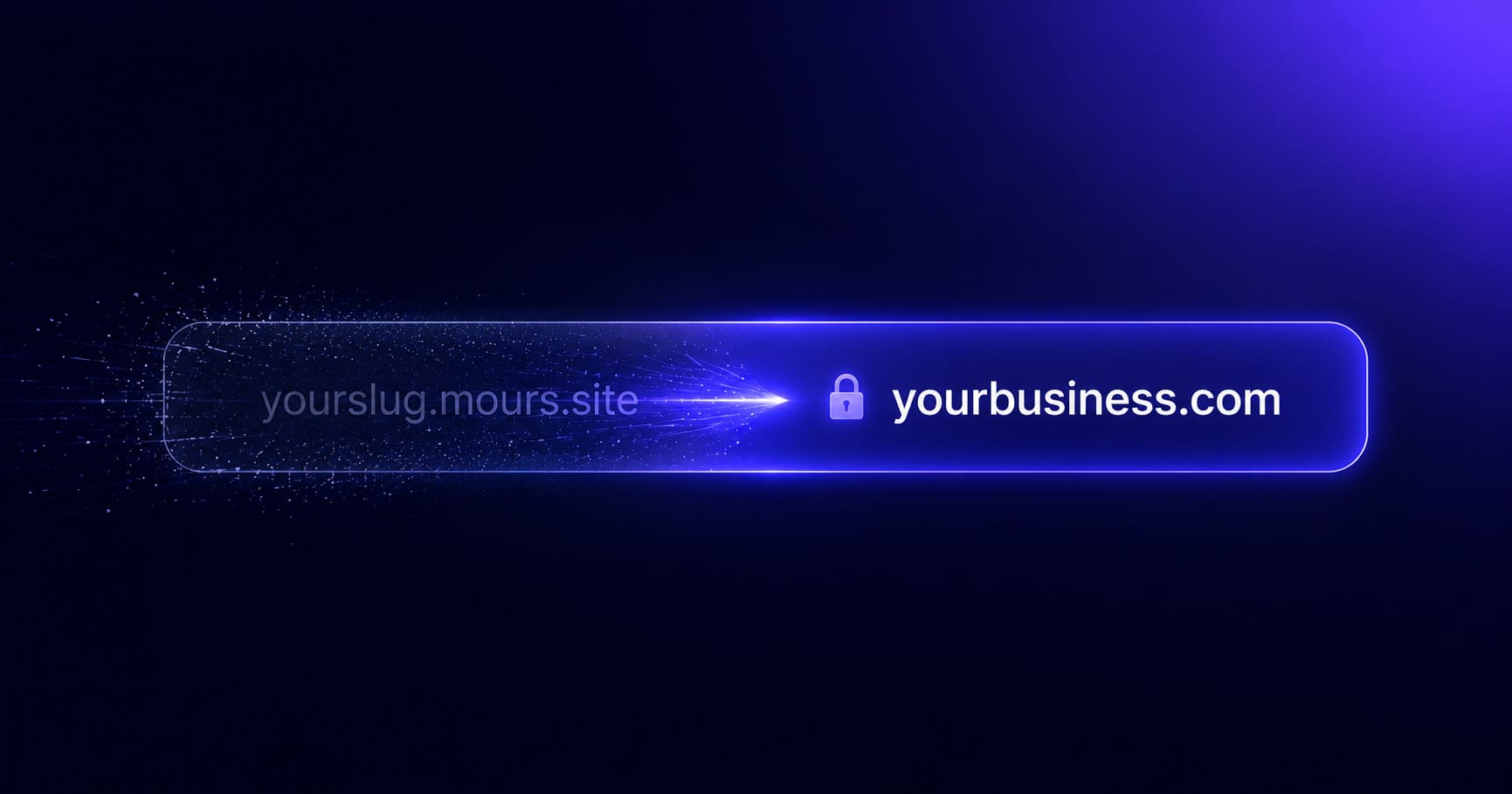
How to Connect Your Own Custom Domain to MakeOurs (2026)
You have been on yourslug.mours.site long enough — it's time for yourbusiness.com. Here's a plain-language step-by-step guide to connecting a custom domain to MakeOurs, from buying the domain to seeing your site live at your own URL.
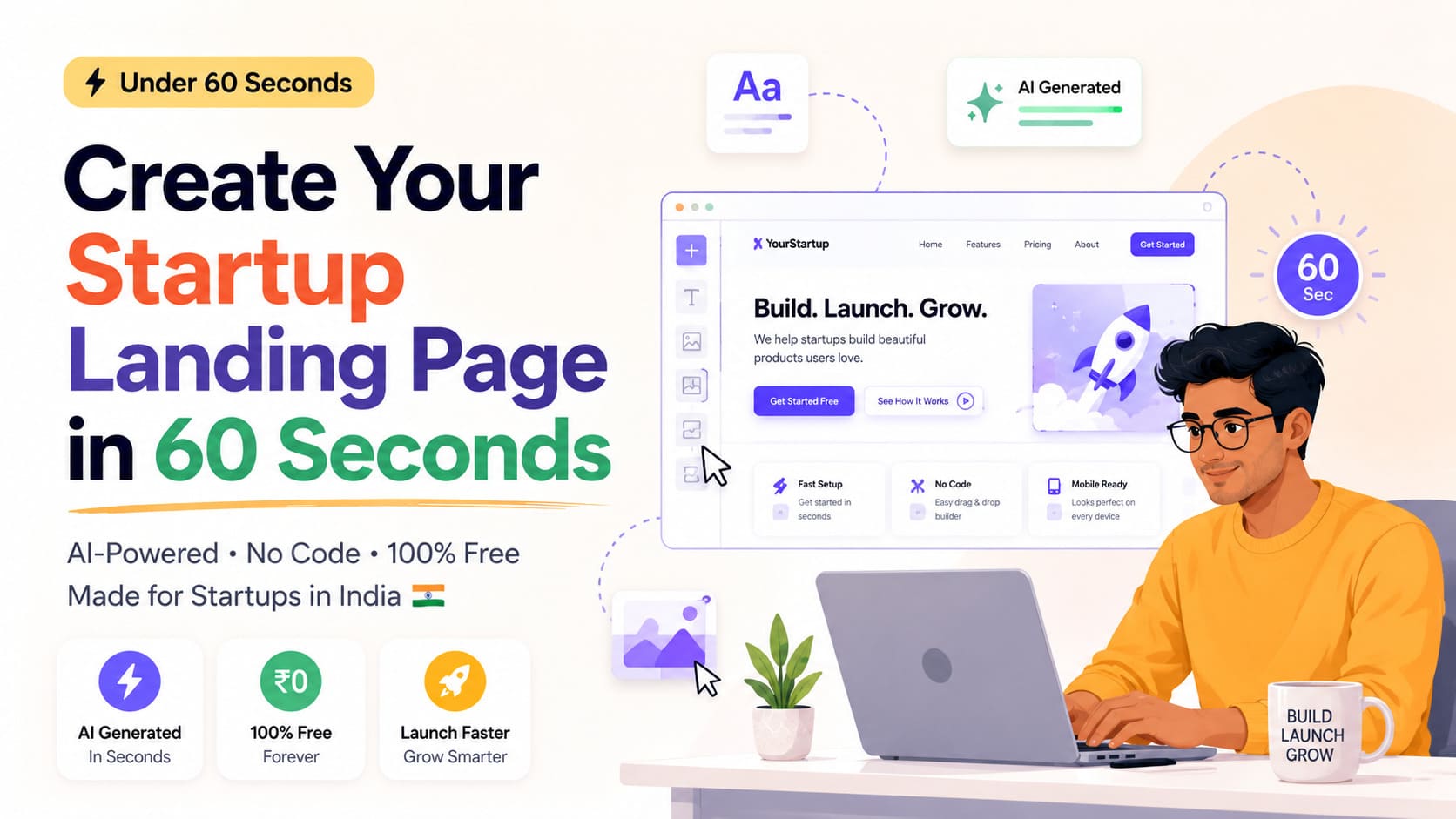
How to Create a Startup Landing Page in India in Under 60 Seconds
Trying to validate your startup idea without spending on a developer? Here's how Indian founders are generating high-converting landing pages in under 60 seconds with AI — no code, no design skills, no upfront cost to see the result.
How to Delete a MakeOurs Site: What Happens and What to Do First
Deleting a MakeOurs site is permanent — there is no undo and no recovery. Here's when deletion is the right call, what gets removed, what you must save before you confirm, and what happens to your subdomain and data after.

MakeOurs Site Generation Failed or Stuck? Here's the Fix (2026)
You hit Generate and now the progress bar hasn't moved in minutes, or you got an error screen. Before you panic and start over — here's exactly what's happening behind the scenes and how to actually resume it.
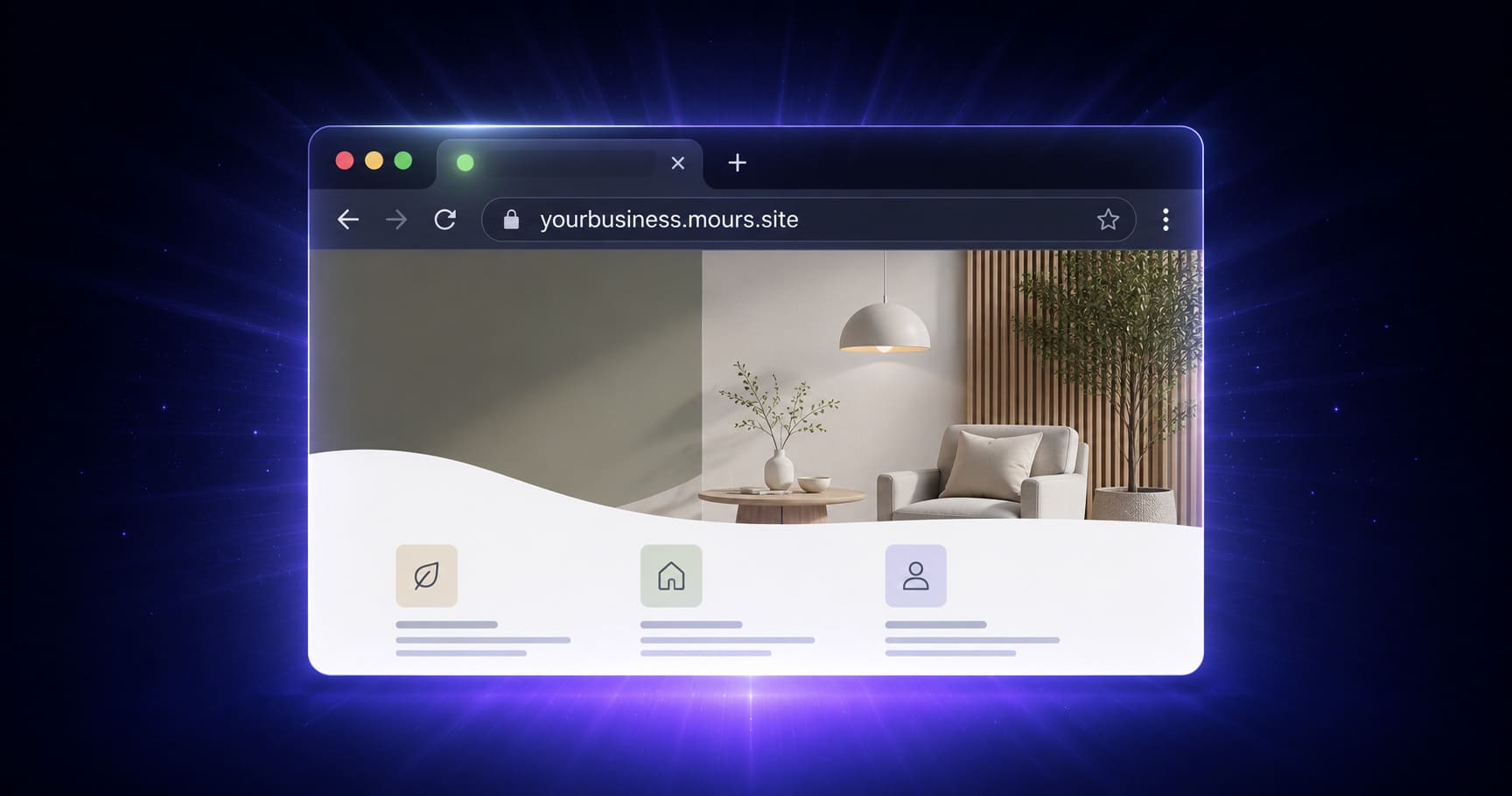
The Free mours.site Subdomain on MakeOurs: How It Works
No domain name to buy. No DNS to configure. Every MakeOurs site is assigned a free yourslug.mours.site address the moment you start building — here's what it covers, how to choose your slug, and what it takes to actually go live on it.
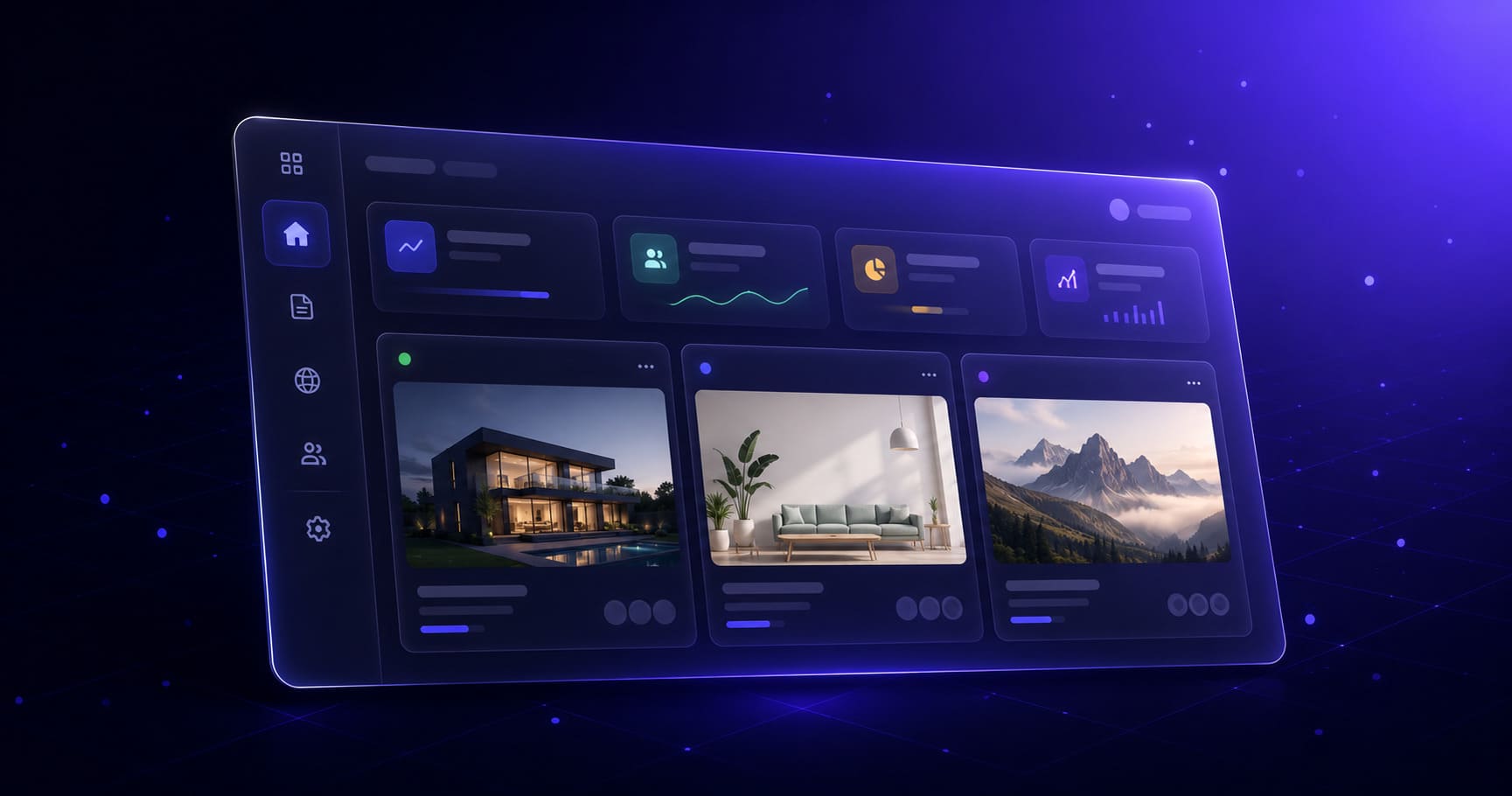
Understanding Your MakeOurs Dashboard — A Complete Guide
Your MakeOurs dashboard is more than just the Edit button. Here is a complete walkthrough of every section — sites, analytics, form submissions, domain settings, billing, and account controls — so you always know exactly where to go.
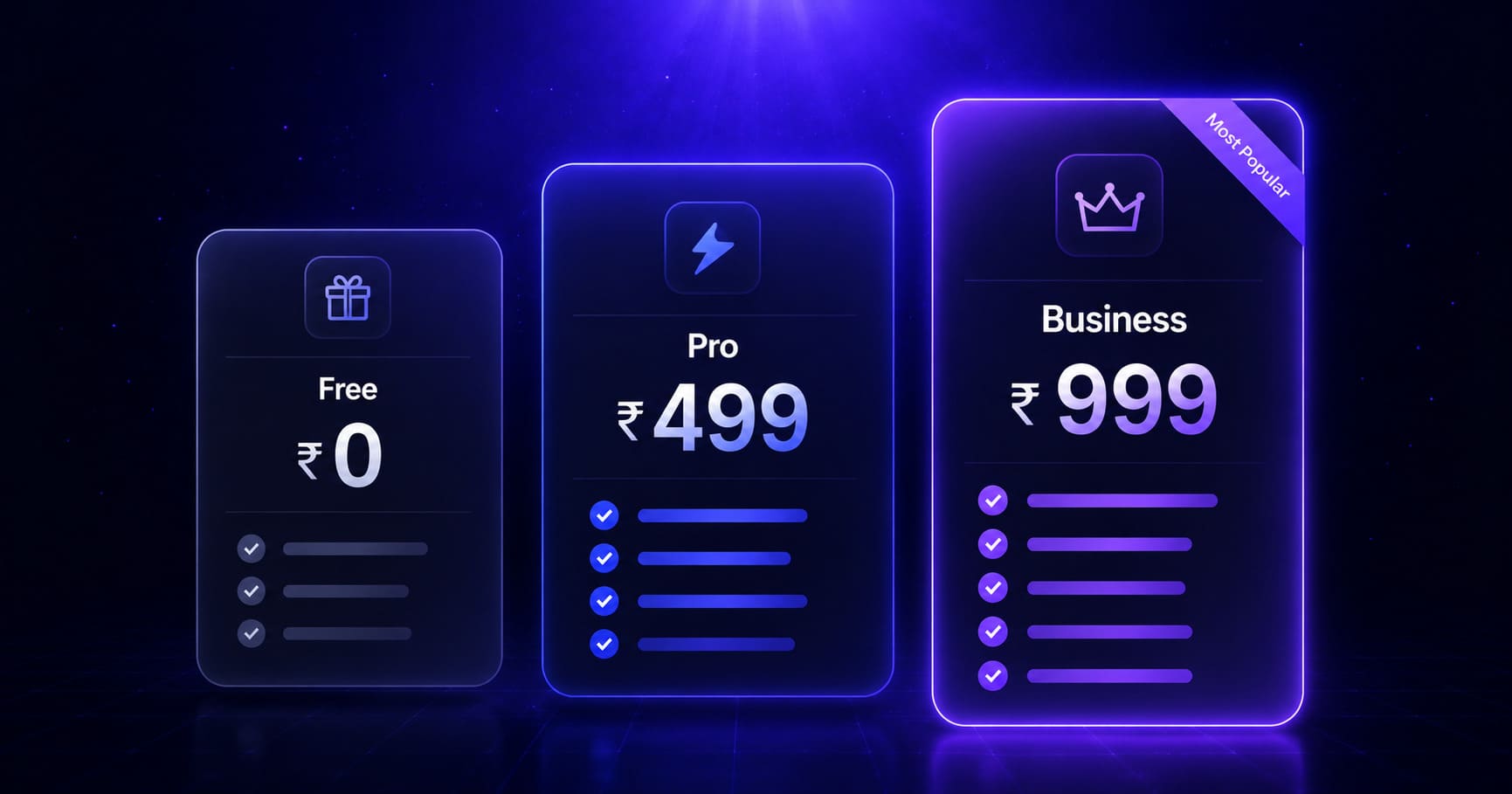
MakeOurs Pricing: Free vs Pro vs Business Compared (2026)
MakeOurs has three plans: Free, Pro at ₹499/month, and Business at ₹999/month. Here's an honest comparison of what each plan includes — including the one thing the free plan does not do — so you know exactly which plan your business needs.

How to Set SEO Metadata and Add Custom Code on MakeOurs (2026)
Your site's title tag, meta description, favicon, and social preview image all live in one place in the builder — and yes, you can paste in your own Google Analytics or chat widget code too. Here's exactly where and how.

How to Unpublish Your MakeOurs Site Without Deleting It (2026)
Need to take your site offline temporarily — for a renovation, a rebrand, or a seasonal pause — without losing everything you built? Here's the difference between unpublishing and deleting on MakeOurs, and exactly how to do each.

How to Upgrade Your MakeOurs Plan and Publish Your Site (2026)
Built your site on MakeOurs but the Publish button is locked? Here's exactly where to go, what Pro and Business unlock, what to expect from the Razorpay payment, and what changes the moment your upgrade goes through.
How to Upload and Update Your Logo on MakeOurs
Your site's header is the first thing every visitor sees — and right now it might still have a placeholder where your logo should be. Here is exactly how to upload your logo through the Header section editor in MakeOurs, what file formats work best, and what to do if your logo file is not cooperating.

How to View Your Landing Page Analytics on MakeOurs (2026 Guide)
Published your MakeOurs site and now wondering if anyone is actually visiting? Here's exactly where to find your analytics right on your site dashboard — page views, form submissions, and what the numbers actually tell you.
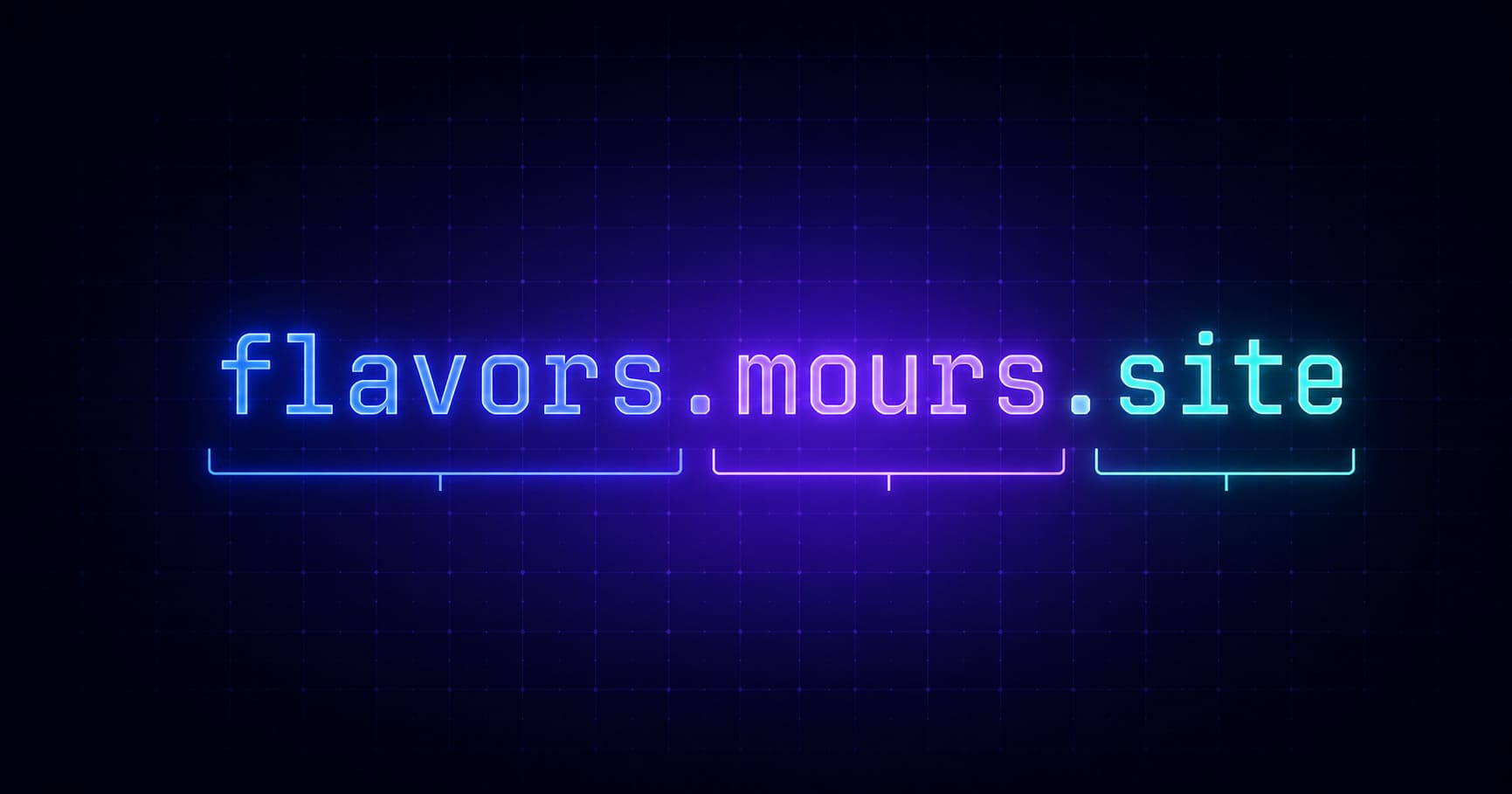
What is a Subdomain? And Why MakeOurs Gives You One Free
Your MakeOurs site lives at yourslug.mours.site — but what exactly is a subdomain, how does it work, and when do you need your own domain instead? This plain-language guide answers all of it.
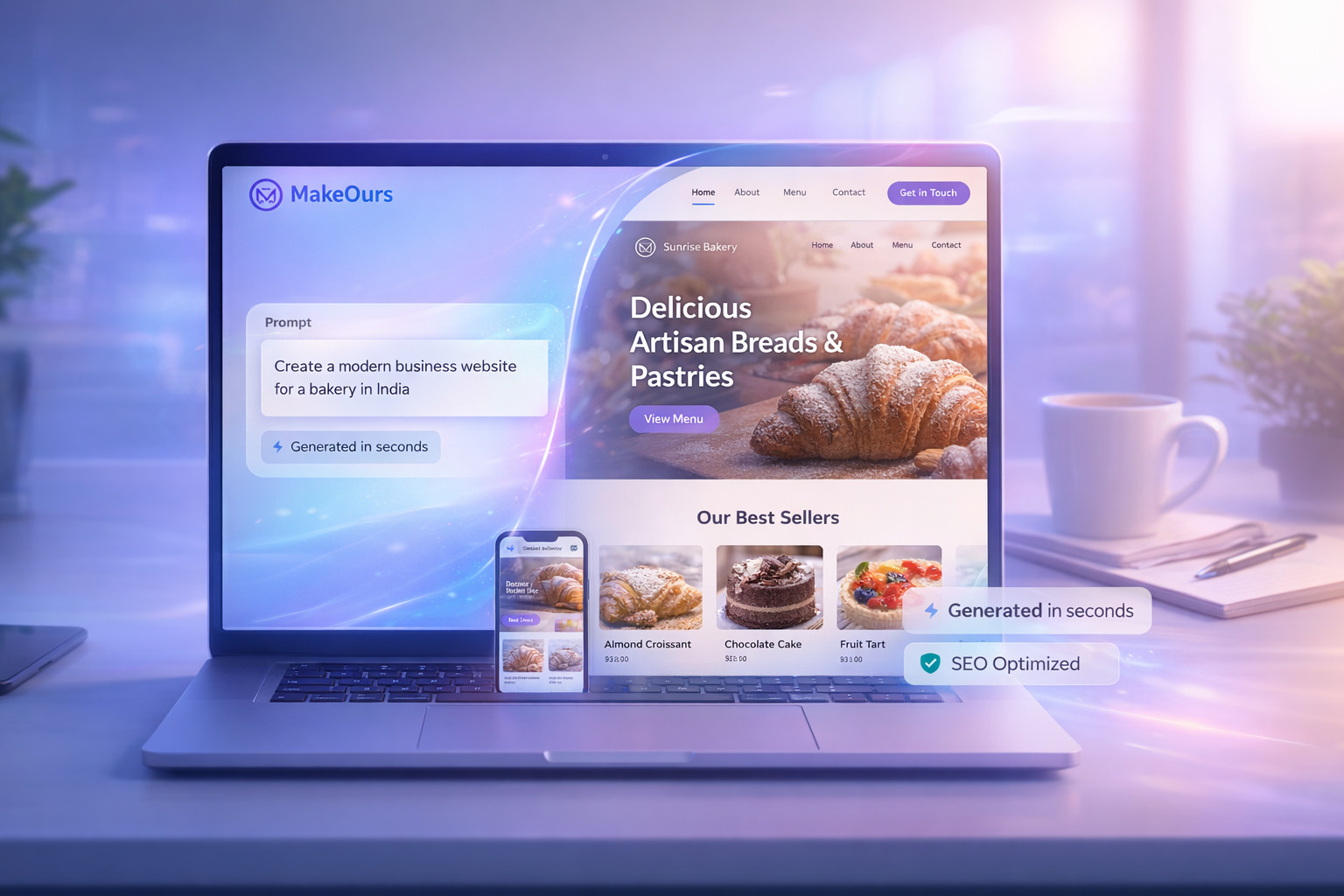
What is MakeOurs & How to Build a Landing Page in Minutes (2026)
Discover how MakeOurs generates a complete landing page from a plain-text description, lets you edit every detail in a visual builder, and takes it live the moment you're ready — for Indian and global entrepreneurs alike.
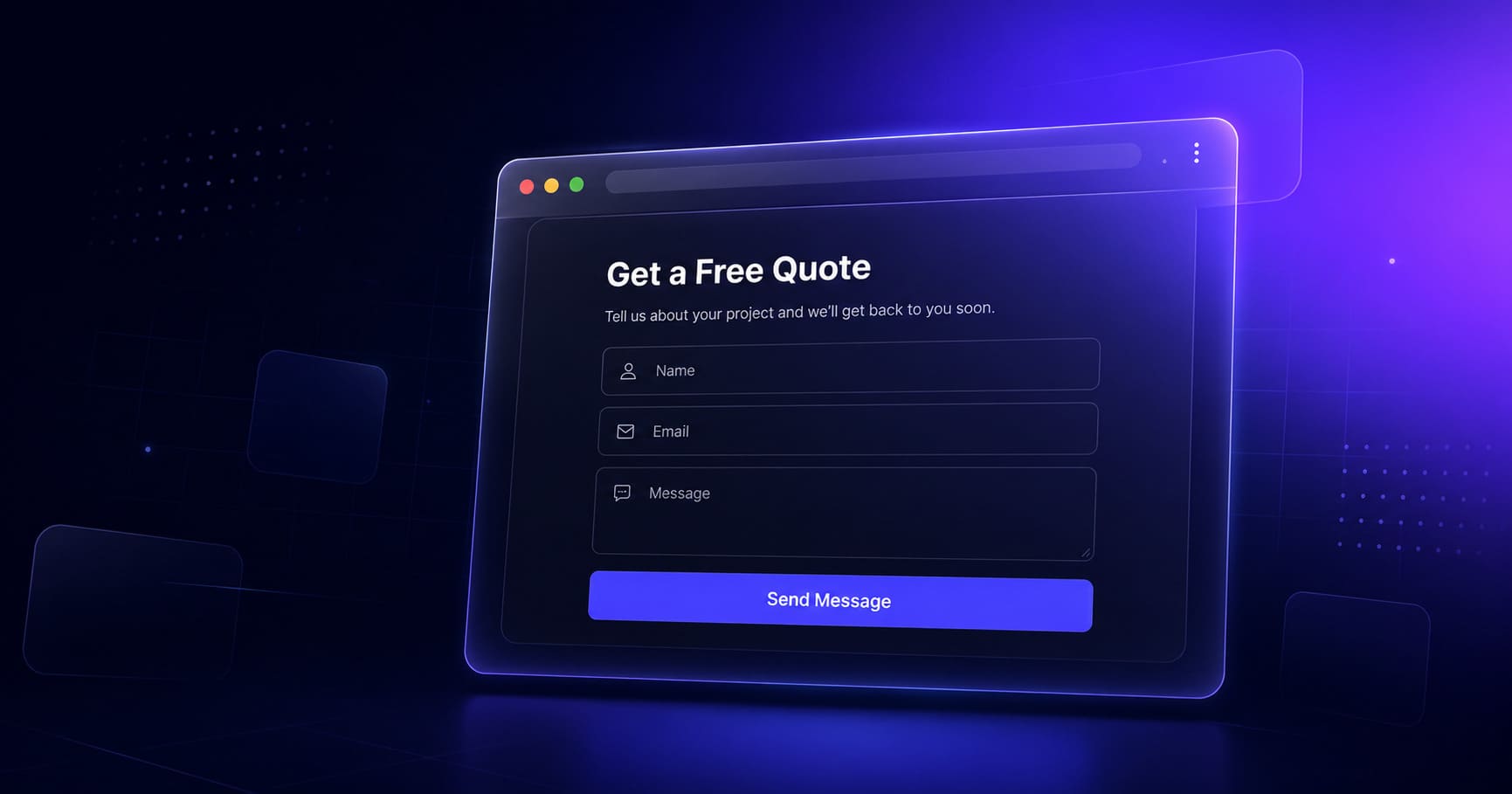
How to Set Up a Contact Form on Your MakeOurs Landing Page
A contact form is how interested visitors become actual enquiries. Here's how to add a contact form to your MakeOurs landing page, configure it properly, test it, and make sure it is actually converting the people who land on your site.

How to Add, Remove, and Rearrange Sections on Your MakeOurs Site
Your MakeOurs site is not locked into the structure the AI generated. Here is exactly how to add new sections through the sidebar panel, remove ones you do not need, and drag them into the right order — including how it works differently on mobile.
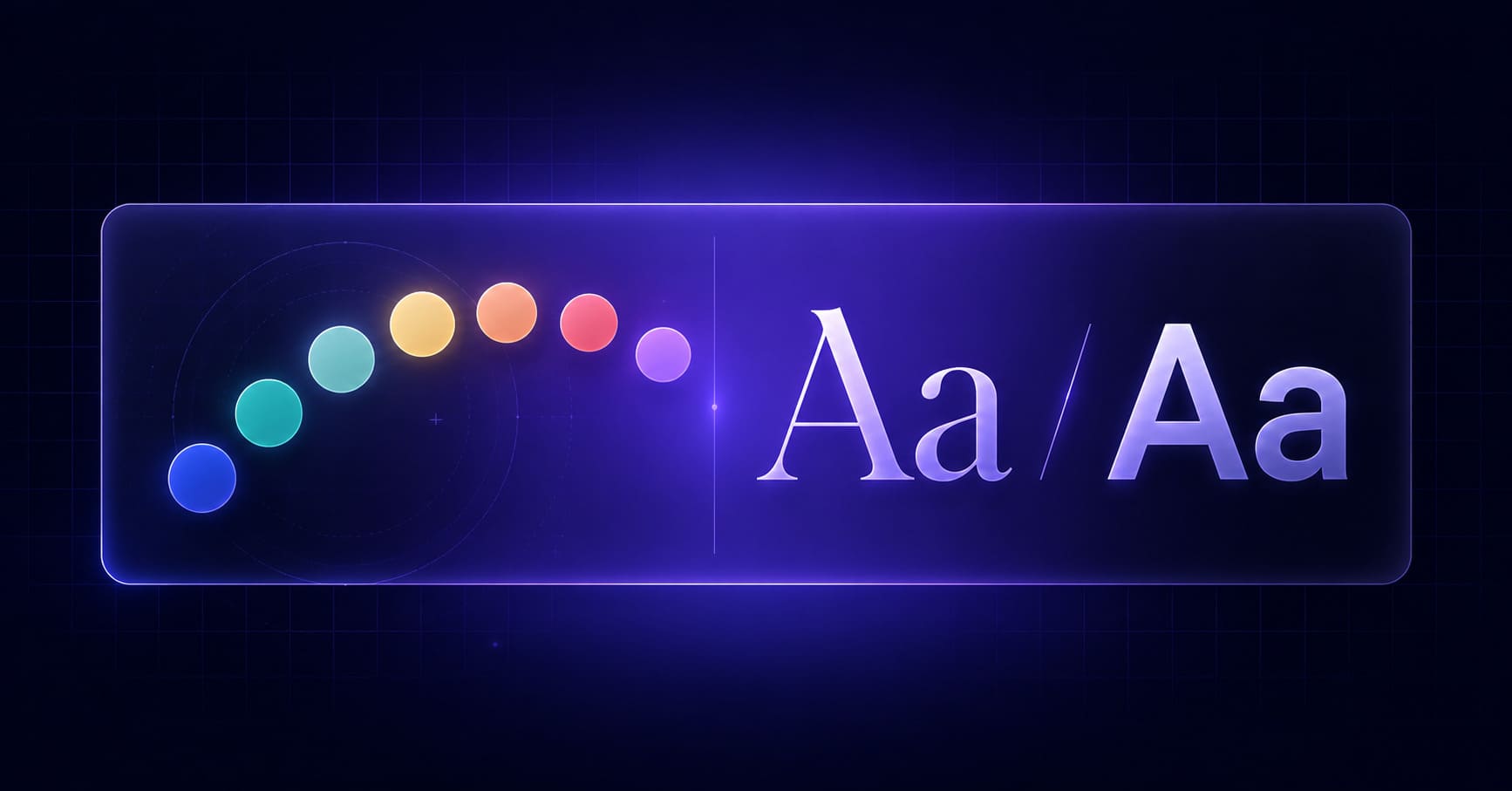
How to Change Colors and Fonts on Your MakeOurs Landing Page
The AI picked a color scheme and font pairing for your site — but are they right for your brand? Here's how to change colors and fonts on your MakeOurs landing page so it looks exactly the way your business should.
How to Edit Text and Images on Your MakeOurs Site After AI Generation
The AI gave you a solid starting point — now it's time to make it yours. Here's exactly how the MakeOurs editor works: how to edit text in the sidebar panel, replace images through the Media Library, and review every section for accuracy before you publish.
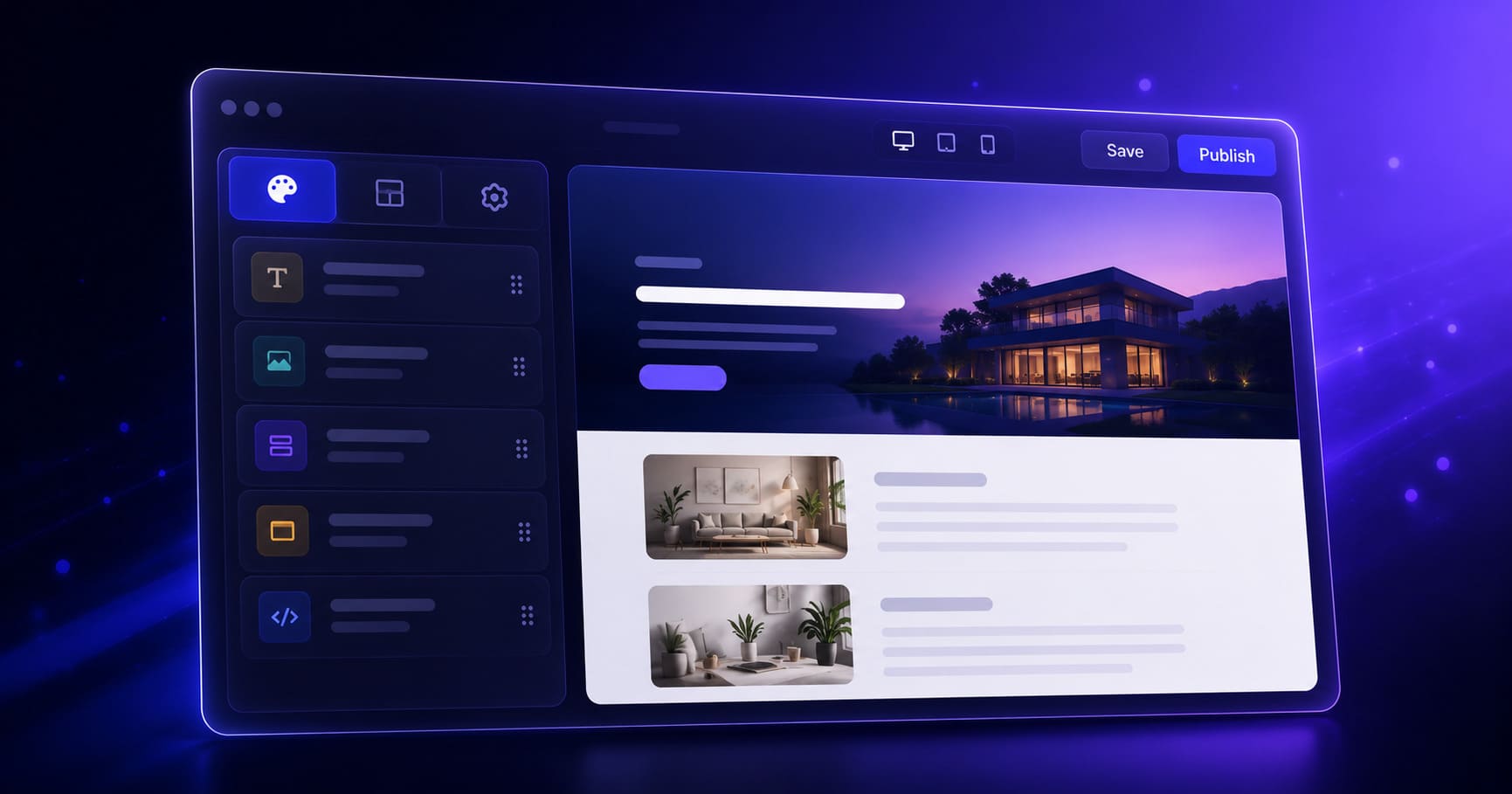
How to Edit Your Landing Page with the MakeOurs Visual Builder
Your AI-generated site is a solid starting point — but the MakeOurs visual builder is where you make it yours. Here's exactly how the editor works: the sidebar, the section panel, the design tab, and how to edit text, images, and styles without touching the canvas directly.