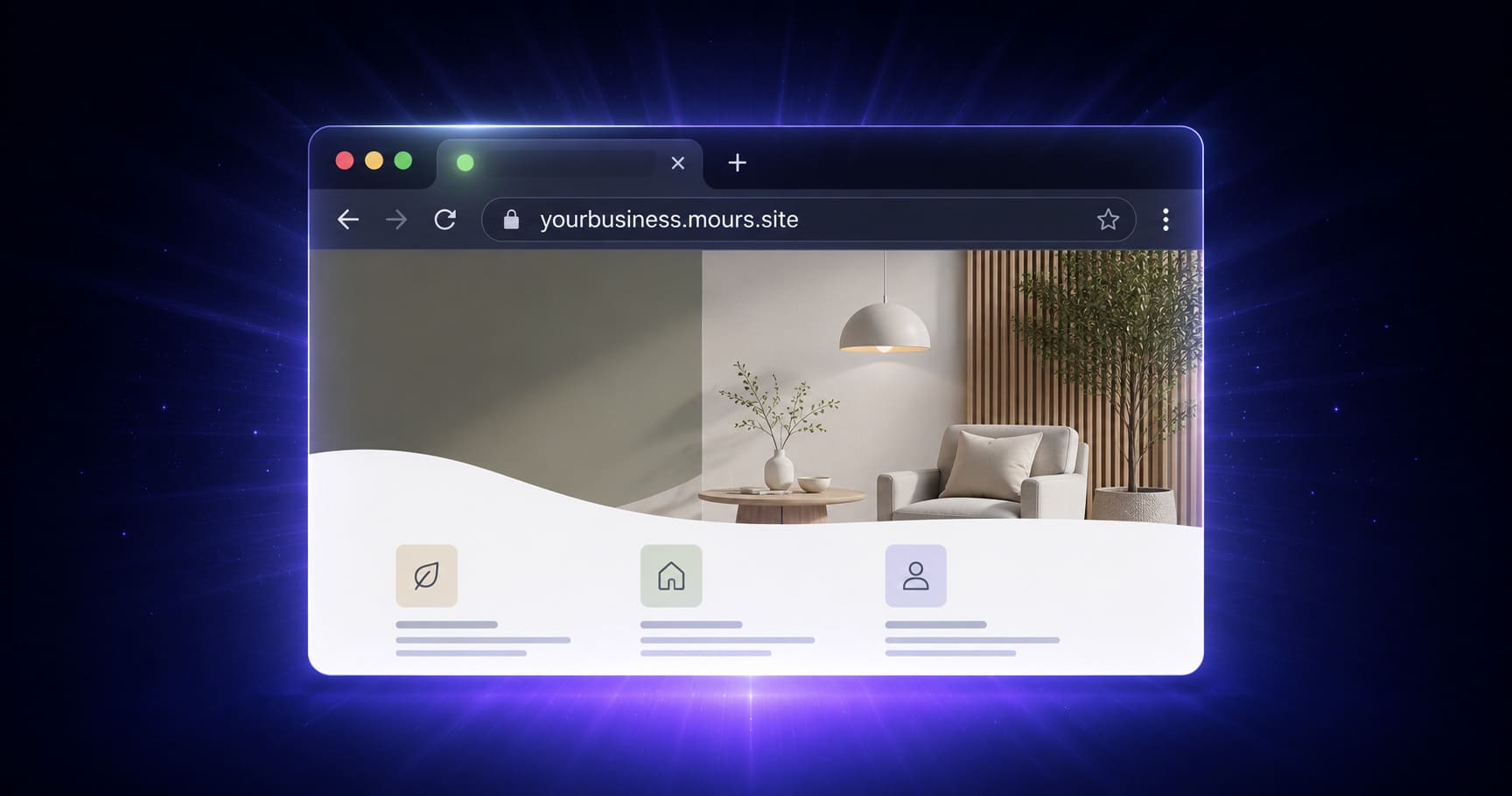
You built the site. The sections look right, the copy is edited, the logo is in place. Now you want it on the internet — live, shareable, accessible to anyone with the link. And you'd rather not buy a domain name or configure DNS just to get there.
MakeOurs assigns every site a free yourslug.mours.site address the moment you start building it — no domain purchase, no DNS panel. The part people often get wrong is assuming that address is automatically live to the public the moment you publish for free. It isn't quite that simple, and this guide explains exactly how it works: what the free subdomain includes, how to choose your slug, and what it actually takes to make your site publicly live on it.
1. What Is mours.site and What You Get for Free
mours.site is the shared domain MakeOurs uses for every site's default address. From the moment you start building — even before you've finished the wizard — your site is assigned a URL in this format:
yourslug.mours.site
For example, a photography studio might get lensworks.mours.site. A catering business might get spiceandco.mours.site.
This address is reserved for your site immediately and free of charge on every plan, including free. What it does not do on the free plan is serve your site to the public — the free plan is for building and previewing, and publishing (making the site actually reachable at that URL by anyone) requires upgrading to Pro or Business.
Once your site is published on a paid plan, the .mours.site address is:
- Live immediately after publishing — accessible from any device and browser worldwide
- SSL secured — the
https://padlock is in place automatically, no configuration needed - Shareable — put it in your email signature, share it on Instagram, print it on a flyer
2. How to Choose Your Subdomain Slug
Your slug is the part before .mours.site. This is the customization you control on the free subdomain — choose it thoughtfully, because it's the address you'll eventually be sharing publicly.
Good slug characteristics:
- Uses your business name or a memorable abbreviation of it
- Easy to spell when someone hears it out loud
- Contains no special characters or spaces (only letters, numbers, and hyphens)
- Short enough to remember — ideally under 20 characters
Examples of good slugs:
riyastitching→riyastitching.mours.sitegreentray→greentray.mours.sitedesignerka→designerka.mours.siterahulca→rahulca.mours.site
Avoid:
- Hyphen-heavy slugs like
my-great-business-name— hard to say and remember - Very long slugs over 25 characters
- Generic slugs like
mysiteorwebsite1that say nothing about your business
You can update your slug from your site's Domain settings later, as long as your desired subdomain is available — a quick availability check runs as you type.
3. What It Takes to Actually Go Live on Your Free Subdomain
Publishing your MakeOurs site — putting it live at yourslug.mours.site for anyone to visit — has two parts:
- Build and finish your site. Generate it with AI, edit every section in the visual builder, get your colors, logo, and copy right. This part is free on every plan.
- Upgrade to Pro or Business, then click Publish. Publishing is gated behind a paid plan (₹499/month on Pro). Once your subscription is active, clicking Publish in the builder or your site's Settings takes your site live on
yourslug.mours.sitewithin seconds.
After that first publish, every subsequent Publish click simply updates the live site with your latest edits. Your URL doesn't change.
 Once you're on a paid plan, publishing takes your site live at your assigned mours.site address within seconds.
4. SSL Certificate and Speed on Your Subdomain
Two things that matter to visitors and to Google both come automatically once your site is live:
SSL (HTTPS): Your site loads over https:// automatically. The browser padlock is in place. Visitors see no "not secure" warning — this matters because many visitors won't proceed past a security warning, and Google ranks HTTPS sites above HTTP ones.
Speed: MakeOurs serves published sites through a global content delivery setup, so your site loads quickly whether your visitor is in Mumbai, Bengaluru, or anywhere else in India or abroad.
You don't need to configure either of these — they come included the moment your site is published.
5. How to Share Your Subdomain Link Once Live
Once your site is live at yourslug.mours.site, you can share this link anywhere:
- Email signature — add it below your name and phone number
- Business card or flyer — print it on physical materials
- Instagram or Facebook bio — most platforms allow one link in the bio
- Google Business Profile — add it as your website URL to appear in Google Maps search results
- Direct messages — send the link to potential customers
For Google Business Profile specifically: claiming and verifying your profile is free and helps local customers find you. Adding your mours.site URL as the website on your profile improves your local search visibility immediately.
6. What the Free Subdomain Does Not Do
The mours.site address is a solid starting point once it's live. It does have some limitations compared to a custom domain:
The URL says .mours.site, not your business name. For most visitors this is fine — but for some categories (professional services, larger businesses), a custom domain at yourbusiness.com projects more authority.
Google indexes it as a subdomain of mours.site. This means search ranking is slightly more limited than a dedicated domain. For local search terms specific to your business, a mours.site subdomain can still rank — but a custom domain gives you more long-term SEO control.
You cannot use email on the subdomain. Email addresses like hello@yourbusiness.com require a custom domain plus separate email hosting.
None of these matter much if your primary goal is getting online with a working link. They matter more once SEO and professional email become priorities.
7. When to Upgrade to a Custom Domain
Once your site is live on mours.site, here's when it makes sense to move to a custom domain (available on the same Pro/Business plan that unlocked publishing):
- You want
yourbusiness.comin your URL instead of.mours.site - Your business is growing and SEO is a priority
- You want professional email (
hello@yourbusiness.com) - You are sharing the link in formal proposals or on printed materials
See our guide on connecting a custom domain to MakeOurs for step-by-step instructions once you're ready.
8. Frequently Asked Questions
Q1: Is the mours.site subdomain free on MakeOurs?
The address itself is assigned free, on every plan, the moment you start building. Making it publicly live requires a Pro or Business subscription — the free plan covers building and previewing only.
Q2: Can I change my subdomain slug after I've started?
Yes, from your site's Domain settings, as long as the new slug is available. If you change it after publishing, your old URL stops working — update any links you've already shared.
Q3: Is my mours.site subdomain secure (HTTPS)?
Yes. SSL is automatic on every published MakeOurs site. It loads over https:// from the first publish with no setup required.
Q4: Can I use my subdomain for Google Business Profile?
Yes, once it's live. Add your yourslug.mours.site URL as the website on your Google Business Profile to help local customers find you.
Q5: Will my site rank on Google with a mours.site subdomain?
It can, especially for specific local search terms (e.g., "tailoring shop Indore"). A custom domain gives better long-term SEO control, but a mours.site subdomain is not a zero-SEO option.
9. Conclusion: Reserved Free, Live When You're Ready
Getting a working web address doesn't require buying a domain or fighting with DNS. MakeOurs reserves your mours.site slug the moment you start building, and takes it live within seconds of upgrading and hitting Publish.
Choose a clear, memorable slug while you build. Get your site exactly right in the free builder. Upgrade when you're ready for the public to see it — and your link is live everywhere that matters: your Google Business Profile, your Instagram bio, your email signature.
Build your site free — publish it the moment you're ready. Start Building on MakeOurs
External References & Further Reading:
- Cloudflare Blog: How edge networks reduce website load times
- ICANN: What is a domain name
- Google Search Central: How Google indexes websites
For more guides on publishing and sharing your MakeOurs site, visit our Blog section.